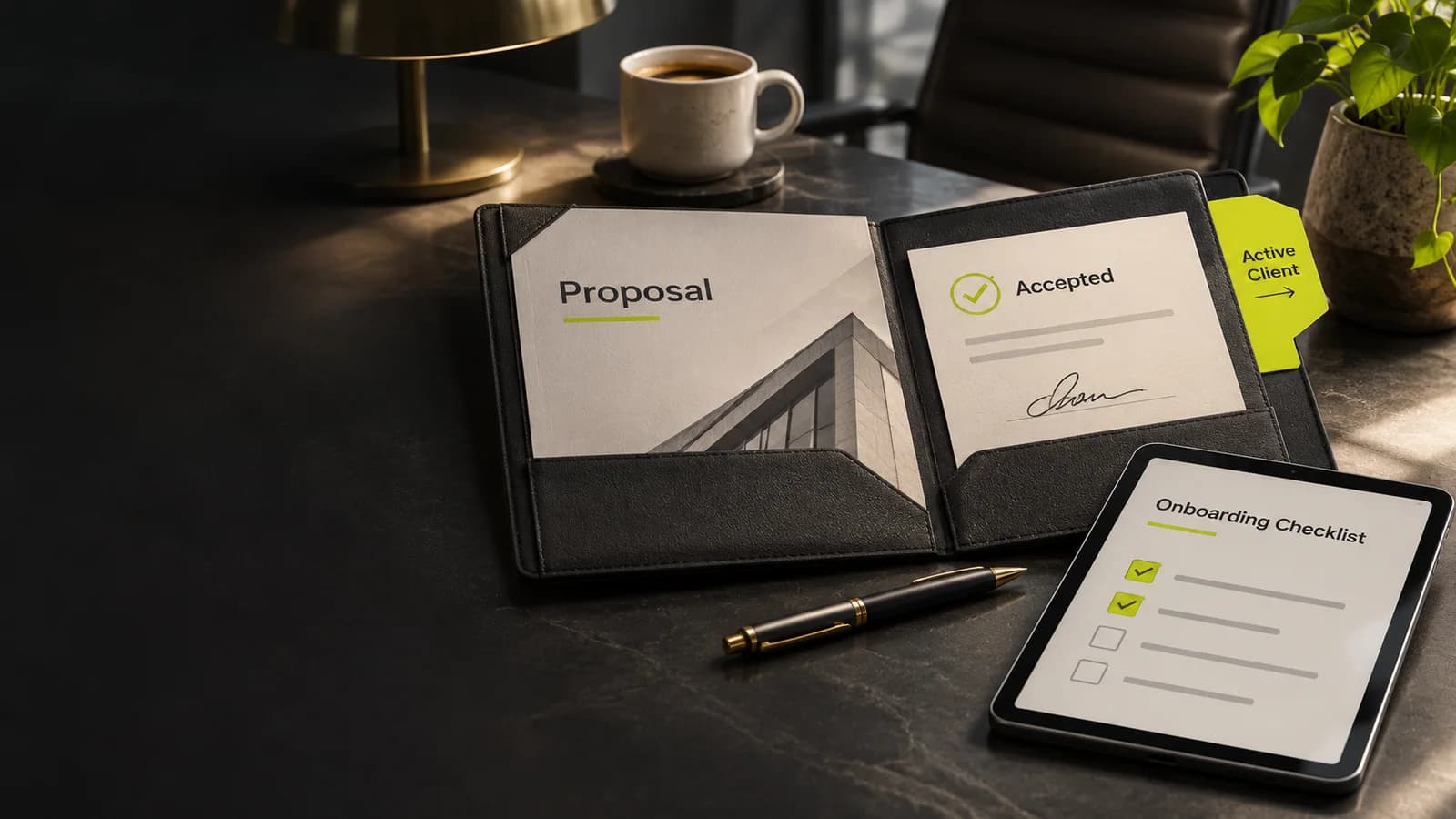
See where AI and workflow automation fit in a consulting business: inquiry summaries, proposal drafts, onboarding checklists, and client reporting.
For a consulting business, start AI automation with the admin surrounding the client relationship: recording inquiries, preparing meeting briefs, drafting follow-ups, and assembling onboarding tasks. Keep the consultant responsible for advice, pricing, scope, and commitments to the client.
WHAT TO REMEMBER
- Choose one repeated handoff with a clear starting event and an owner.
- Use fixed rules to move records; use AI where reading or drafting adds value.
- Connect onboarding to confirmed agreement status, with duplicate checks and human approval.
Which consulting tasks are worth automating?
Look for work you repeat between the website, inbox, calendar, CRM, and project tracker. If every new client requires the same information to be copied into four places, that handoff is a useful candidate. Begin with a process you can describe without referring to a particular AI product.
An assistant can help summarize a long inquiry or turn approved meeting notes into a draft brief. Creating a task when a deal changes stage usually needs a rule rather than an agent. Anthropic’s engineering guidance recommends starting with a simple design and adding agent complexity when the task requires it.
| Task | Proposed automation | What the consultant checks |
|---|---|---|
| New inquiry | Save the contact and prepare a short brief. | Whether the request fits the service. |
| Discovery call | Draft next steps from approved notes. | Accuracy, responsibilities, and deadlines. |
| Proposal | Prepare a draft from an approved scope template. | Deliverables, price, exclusions, and terms. |
| Client onboarding | Create the project and intake checklist. | Agreement status, access, and kickoff readiness. |
| Client report | Collect agreed metrics and draft a summary. | Numbers, interpretation, and recommendations. |
Example: turn a confirmed engagement into an onboarding checklist
Consider a fictional consulting firm that creates a project folder, copies client details, assigns an intake task, and drafts a welcome email after each new engagement. A proposed workflow starts when an authorized person marks the engagement ready for onboarding. If a signed agreement or deposit is required, check those records first.
The workflow uses the engagement reference to create or update one project, assigns a named owner, and prepares the checklist. It then drafts a welcome message that the owner reviews. Running the same event twice should find the existing project rather than create another one.
Keep exceptions visible. A missing billing contact, unsigned scope, or unclear start date should create a task for the owner. It should not produce a confident email that tells the client everything is ready.
- One engagement reference links the CRM deal and delivery project.
- The intake checklist names each requested item and the person responsible.
- Missing-information reminders stop when the item arrives or the client replies.
- Access is granted through approved invitations, not passwords pasted into an intake form.
Keep proposal drafting separate from proposal approval
An AI-generated proposal can sound polished while adding work you never agreed to do. Give the assistant approved services and the discovery notes, then require it to flag missing information. Leave fees, legal terms, and promises about results for the responsible person to confirm.
Check that the draft names the correct client and excludes information from other engagements. If you use a shared document library, separate client material from reusable templates and test the access boundaries. Sending remains a distinct, authorized step.
What should a first automation project include?
Scope one route through the business, such as approved engagement to onboarding-ready project. List the systems, required fields, expected outputs, and cases that should stop for review. Agree who maintains the connection after launch.
Ask the builder to demonstrate a normal run, a duplicate event, missing information, a failed connection, and a customer reply. A useful handover includes the workflow map, account ownership, recovery instructions, and a way to pause it.
Estimate the value using the time your team currently spends on that route. Subtract review and correction time from any proposed savings, and include software and support costs. A demo with sample data is evidence of a design; it is not a measured client outcome.
Do I need to replace my CRM?
Not necessarily. First check whether your current CRM can expose the required records and events, whether your subscription includes that access, and whether the connected tools support the handoff. A short compatibility review can identify those limits before you pay for a build.
Can AI handle the entire client relationship?
Keep relationship decisions with the consultant. An assistant can organize information and prepare responses, but a change in scope, a dissatisfied client, or a new commitment needs someone who understands the engagement. Define those handoffs before turning on any automatic sending.
Map one consulting workflow
Tell Numar where inquiries arrive and how a new client becomes an active project. In a free consultation, we can discuss one focused CRM, onboarding, or draft-assistant project before agreeing scope and pricing.
Discuss your client onboarding