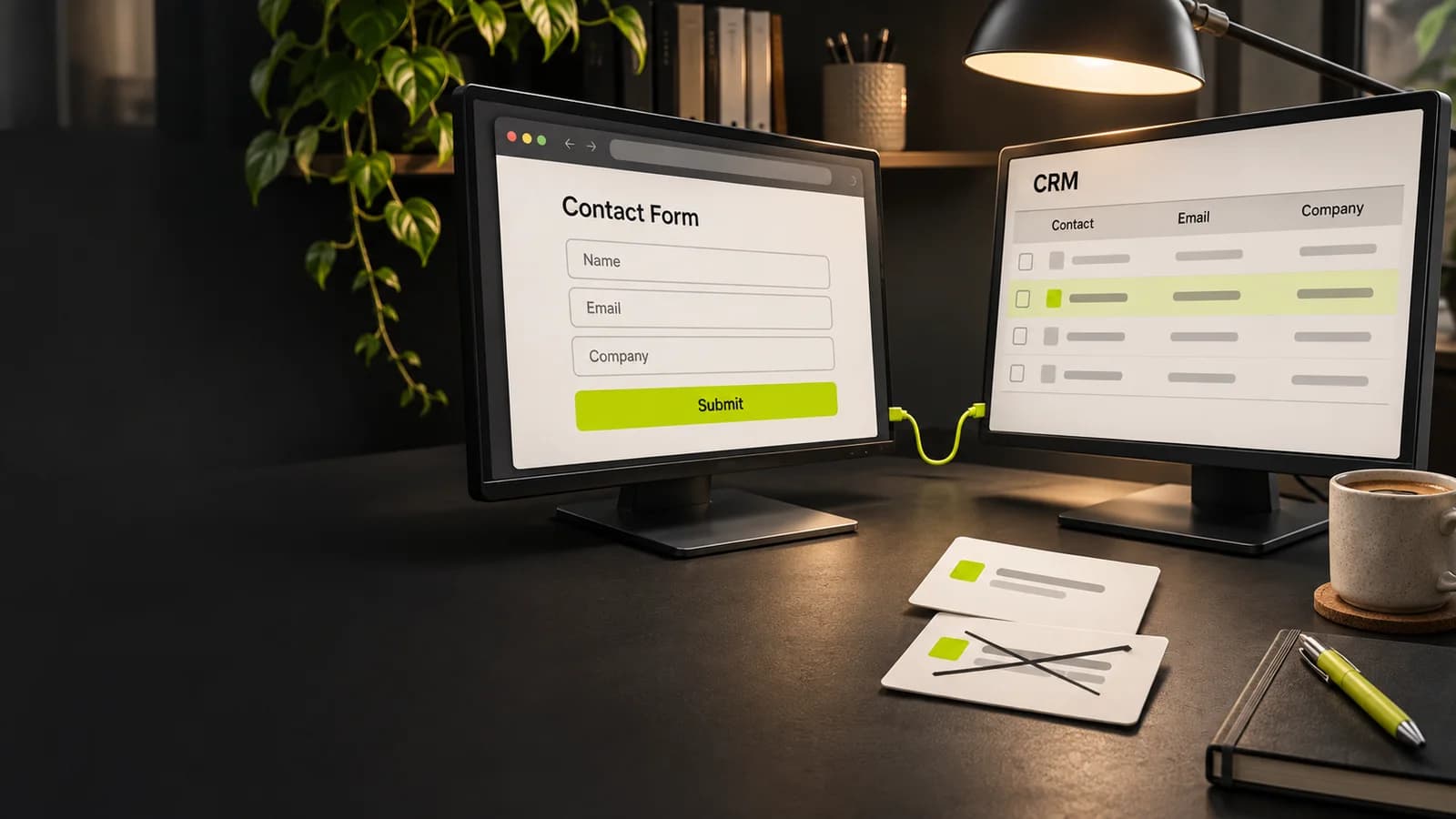
Decide where records belong, how duplicates are handled, and who owns failed handoffs before connecting a form, spreadsheet, or office tool.
An integration is useful when the right information reaches the right place and someone can see what failed. Connecting two apps is only part of that job. Start by agreeing what each system owns and how your team will check the handoff.
WHAT TO REMEMBER
- Name the source of truth for each important field.
- Treat duplicates and retries as design decisions.
- Make the exception queue and handover part of the scope.
Can we keep our existing CRM and spreadsheets?
Often, the first step is connecting the tools already in use rather than replacing them. Before committing, check whether the current software plan allows the required data to be read or updated, which fields are available, and who can grant access. Some workflows can use an export; others need an API or supported connector.
The CEO dashboard project brought department metrics, leads, and installs into one view and connected AI for generating reports. The Utah mechanic project addressed calculations and administration around Excel. The specific software configurations are private, so these stories demonstrate the business scope rather than compatibility with every CRM or spreadsheet setup.
1. Choose which system owns the record
A CRM, a spreadsheet, and an accounting system may all contain a customer name, but that does not make every copy authoritative. Write down which system owns contact details, job status, invoice information, and internal notes.
Agree the direction of each update. If both systems can change the same field, decide which update wins and how a person resolves a conflict. Avoid a two-way sync simply because a connector makes it available.
2. Make field mapping explicit
Record required fields, accepted formats, and what happens when a value is missing. Check whether a status is stored as text, an internal identifier, or an option that must already exist in the destination. Confirm the actual software plan supports the required access.
- Required fields and validation rules.
- Time zones, dates, phone formats, and currencies where relevant.
- Permissions and accounts used by the integration.
- Deletion, retention, and access-revocation responsibilities.
3. Test duplicates, retries, and partial failure
A customer can submit a form twice. A destination may accept an update even when the response never reaches the caller. Use a stable identifier for the business event and agree whether a repeated request should create, update, or do nothing.
Test the case where the record is created but the follow-up task fails. Your team should be able to identify the incomplete step and recover it without duplicating everything that already succeeded.
4. Put an owner on exceptions
Decide where a failed handoff is visible, who receives the alert, and how long an unresolved item can wait. A log that nobody checks is not an operational process.
A useful handover includes the workflow map, field mapping, example exceptions, recovery steps, access ownership, and the limits of any ongoing support. Before launch, ask someone other than the builder to use that documentation to explain what they would do when a record is rejected.
Separate reporting access from permission to change records
An assistant generating a report and an automation updating a customer record do different jobs. Define the access each needs. A reporting connection should not receive permission to change customer records simply because another workflow needs that permission.
Before launch, test a missing record, a duplicate, an expired connection, and an update that succeeds only partly. For a voice-agent workflow, also check how the human representative finds the conversation and resulting record. Numar’s dumpster project combined voice handling with automatic updates; the exact checks for your system should be agreed during scoping.
WANT THE CUSTOM VERSION FOR YOUR BUSINESS?
Tell Silva about your workflow and tools. We will follow up by email to arrange a free consultation. Scope and pricing are agreed before paid work.
BOOK A FREE CONSULTATION