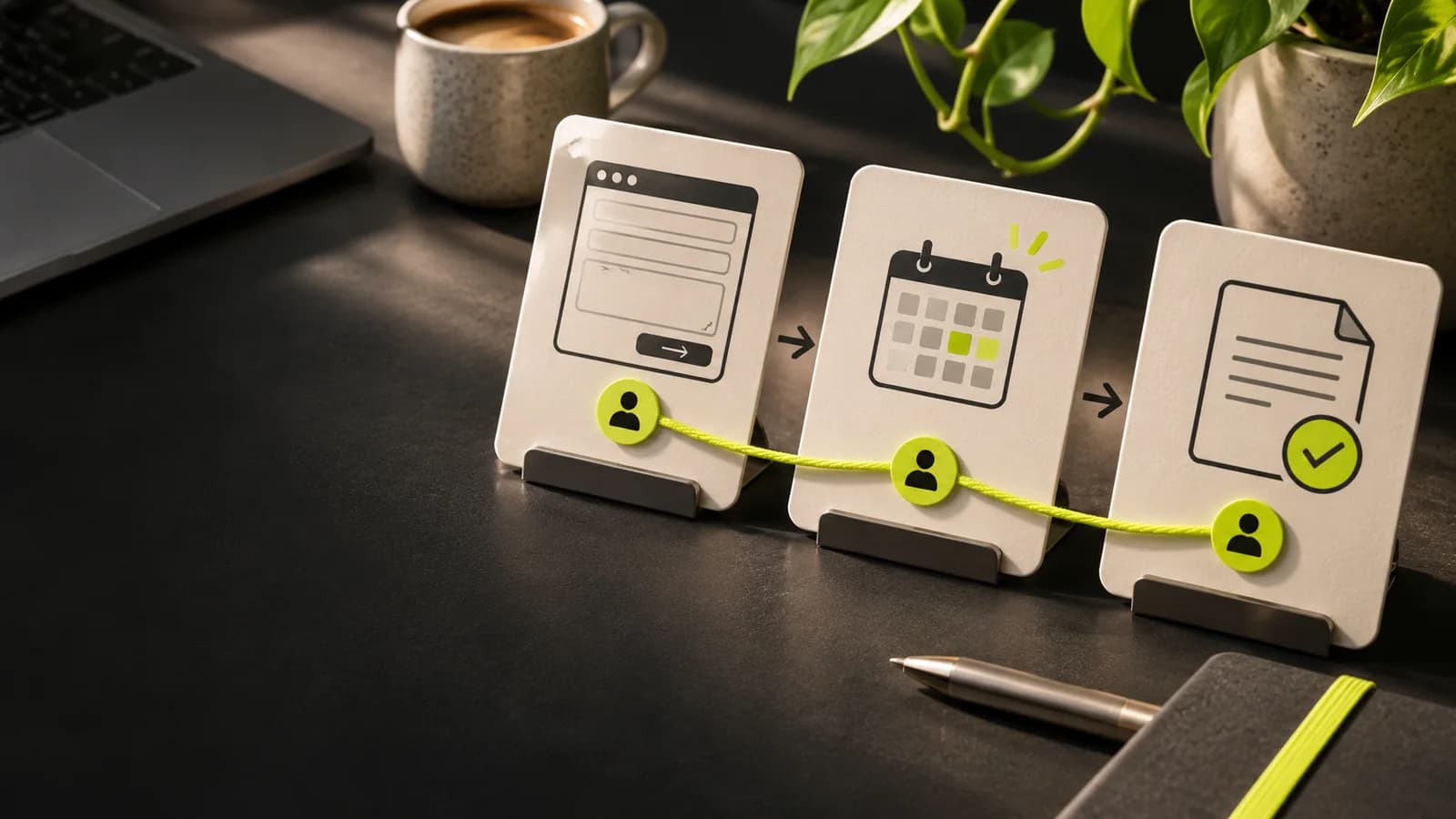
Connect form submissions to CRM records, booked appointments, and paid jobs so you can see what your website brings in.
Track each accepted website inquiry with a unique reference, save its source in your CRM, and update the record as the customer moves toward a purchase. This lets you compare inquiries, qualified opportunities, and paid work without treating every button click as a lead.
WHAT TO REMEMBER
- Record a lead after the form has been accepted and saved.
- Keep the original source alongside later appointments, estimates, and payments.
- Report unknown sources honestly and keep personal information out of analytics.
Start with a definition your team can use
A consultation-button click tells you someone was interested. A saved inquiry tells you they contacted the business. A qualified opportunity means someone checked that the request fits your service and can move forward. These are different events.
Choose one person to keep the customer record current. Otherwise a dashboard can show a pile of open leads even after the office has booked or lost them.
| Stage | What happened | What to record |
|---|---|---|
| New inquiry | The form was accepted and saved. | Lead reference, creation time, source, owner. |
| Qualified | The office confirmed the request fits. | Service needed and qualification date. |
| Appointment booked | A time was agreed with the customer. | Booking reference and appointment date. |
| Estimate sent | The customer received a written quote. | Estimate reference, amount, and date. |
| Won or lost | The customer accepted or declined. | Decision date and reason when known. |
| Paid | Payment was recorded. | Invoice reference and collected amount. |
Carry the source into the customer record
For links you control, campaign tags can identify the source, medium, and campaign. For example, a link in an email newsletter can use source=newsletter, medium=email, and a campaign name that your team recognizes. Google Analytics supports these through UTM parameters.
Save the available source information when the inquiry arrives, according to your privacy and consent settings. Keep the original source separate from later visits. If someone returns directly to book, that visit should not silently replace the source you first recorded.
Some customers switch devices, block tracking, or contact you by phone. Keep an “unknown” option and a separate “How did you hear about us?” answer. That answer can help explain a gap, but it is not the same as a measured website visit.
Save first, notify second
A useful form workflow saves the inquiry before attempting an email notification. If the notification fails, the office still has a record to recover. Give each submission a stable reference so a retry does not create another lead.
Use that reference to connect the form, CRM, and booking record. Keep names, phone numbers, message text, and email addresses in the systems approved to hold customer information. Do not put them in campaign links or general analytics events.
Compare the same group of leads
Here is an illustrative calculation, not a Numar client result: 20 inquiries arrived in one month, 8 qualified, and 3 eventually became paying customers. The inquiry-to-customer rate for that group is 3 ÷ 20, or 15%. Record when those customers paid; it may be a different month.
Keep booked revenue and collected revenue separate. A signed estimate can be cancelled, and a deposit does not mean the whole invoice has been paid. If you compare marketing costs with revenue, label the revenue figure and include the same period or lead group.
Test the route before trusting the report
Send a clearly marked test inquiry from a tagged link. Check the saved record, notification, CRM owner, and source fields. Then move that record through a test booking and payment status without charging anyone.
Try a duplicate submission and a failed notification. Confirm that the inquiry remains available and that your report counts it once. Filter test records, spam, and internal checks out of the business totals.
- Do you need a new CRM? Start by checking whether your current tool can store source fields and deal stages.
- Can a spreadsheet work? Yes, if someone maintains it and each inquiry has a stable reference.
- Can this identify every customer journey? No. Report the gaps instead of assigning a source without evidence.
Connect inquiries to the work you win
Tell Numar which website form, CRM, and booking tools you use. We will review the handoffs in a free consultation and explain what a scoped tracking project would involve.
Discuss your lead tracking