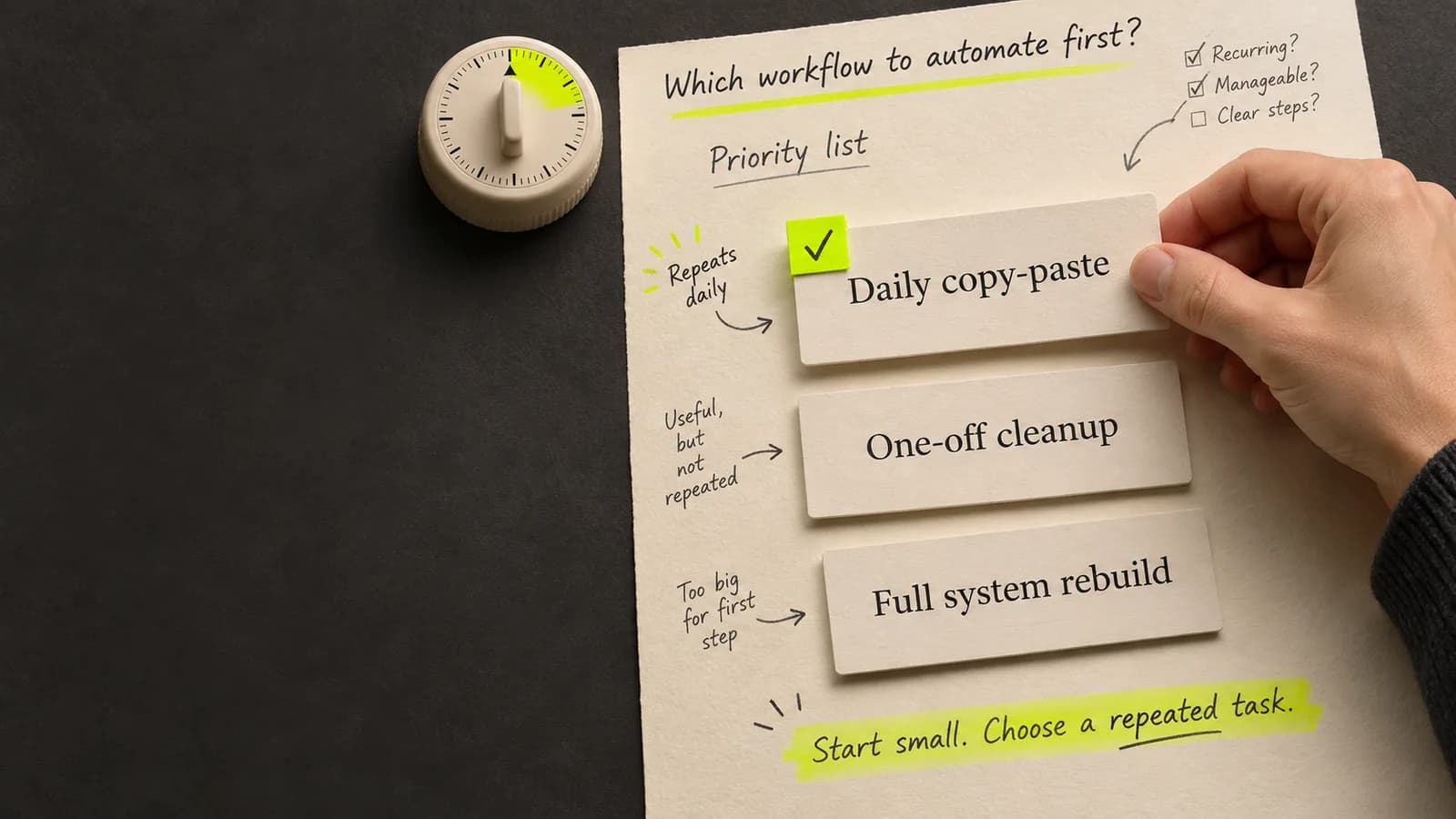
A practical way to choose between the task that is annoying, the task that is expensive, and the task that is ready to improve.
Start with a repeatable task that has a clear input, a clear output, and a person who can explain what happens when something goes wrong. The best first workflow is usually small enough to check against real work, but useful enough that your team will notice the difference.
WHAT TO REMEMBER
- Map one complete handoff before choosing software.
- Measure the current process, including review and correction time.
- Prefer a reversible first release with an accountable owner.
Write down the work, not the tool you want
“We need AI” does not define a workflow. “An office coordinator copies a new inquiry from a form into the CRM and assigns a follow-up task” does. Describe what starts the task, which information is required, where it belongs, and how the next person knows it is ready.
Watch a few real examples with the person doing the work. Include incomplete records, duplicates, and the jobs that arrive outside the usual process. A tidy demonstration built around only the easiest example can hide the work your team actually spends time on.
Compare a small set of candidates
List three recurring tasks. For each, record frequency, hands-on time, correction time, access requirements, and the consequences of a mistake. Estimates are a starting point; check them against a short observation period before treating them as a business case.
- Repetition: does the same pattern happen often enough to matter?
- Clarity: can someone explain the correct result?
- Access: do the current systems support the necessary integration?
- Risk: can an incorrect result be reviewed or reversed?
- Ownership: who will handle an exception after launch?
Match the first project to the work slowing you down
Start with the bottleneck you can describe and measure. These real Numar projects illustrate different starting points; they do not mean every business needs all three.
| Repeated work | Relevant project | What to measure in your business |
|---|---|---|
| Calculations, quotes, invoices, and job tracking | A solo Utah auto mechanic | Preparation time, corrections, and time still needed for approval. |
| Calls and keeping records up to date | A Florida dumpster rental company with one representative | Time handling calls, record completeness, and handoffs to the rep. |
| Building reports and comparing CRM views | A CEO with a unified dashboard and connected AI | Report preparation and review time, plus whether the figures can be checked. |
Calculate useful capacity, not imaginary savings
A sample task performed 20 times a week at six minutes each uses two hours before review and corrections. That is an illustrative calculation, not a promise of savings. Any proposed improvement must subtract the time still needed for checking, exceptions, and maintenance.
Released time has value when it can be used productively. It does not automatically reduce payroll or produce additional revenue. Ask the owner and the staff member what they would do with the capacity, then measure whether that change happens.
Agree the first release and its stop conditions
Define the records the workflow will handle, the cases it will refuse, and the checks required before it changes a system. For the first release, a draft or review queue may be more useful than unattended execution.
Record what success looks like and what would cause you to pause the workflow. Compare the result with the original process using the same definitions. Expand only when the normal cases and the exceptions are understandable to the person responsible for them.
WANT THE CUSTOM VERSION FOR YOUR BUSINESS?
Tell Silva about your workflow and tools. We will follow up by email to arrange a free consultation. Scope and pricing are agreed before paid work.
BOOK A FREE CONSULTATION